Does Kept send anything anywhere? No. Kept contains no networking code: it never opens a connection, Every release build is checked by a script that fails if networking code is linked. Your history is a SQLite file in ~/Library/Application Support/Kept.
Why is it not sandboxed? Apple’s App Sandbox forbids the Accessibility permission, and Kept needs it to paste for you. So Kept 1.1 runs without the sandbox, and the promise moved from an entitlement to the code itself: no networking code, checked on every build.
What about passwords? Password managers mark their copies as concealed, and Kept never records anything marked that way. You can also ignore whole apps in Settings › Privacy.
Why does it ask for Accessibility? Only if you turn on Paste directly: Return, a click or the menu bar menu then paste into the app you were using, Quick paste opens at your text cursor, and ⌥ right-click opens it at the pointer. Without it, Return copies and you press ⌘V yourself.
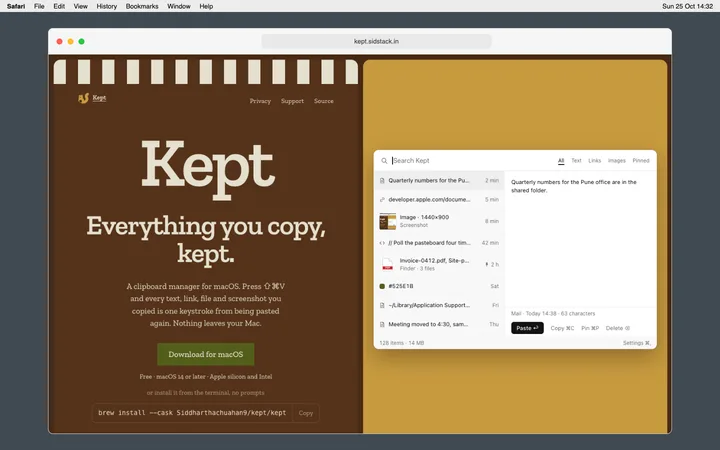
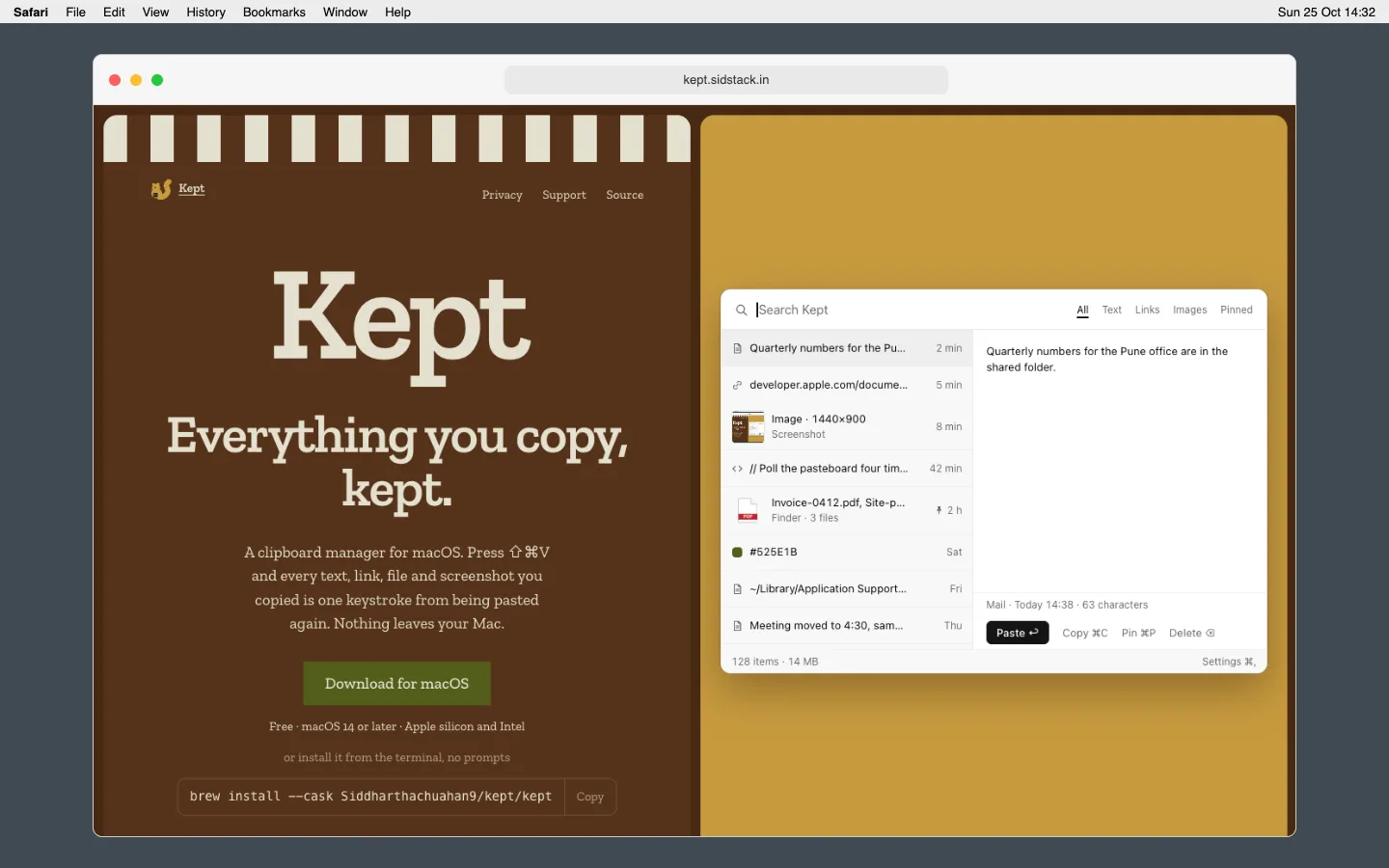
Does it keep screenshots? Yes. Anything copied as an image, including ⌃⇧⌘4 screenshots and pictures copied from a browser, is kept as PNG with a thumbnail.
How long is history kept? 500 items or 30 days by default. Set either limit, or none, in Settings › History. Pinned items are never removed.
How much does it cost? Nothing. Kept is free.
Does it paste into Slack, Jira and Zendesk? Yes. Kept pastes wherever ⌘V works. Into Slack, terminals and browsers it pastes plain text by default, so no fonts or colours travel with it; hold ⌥ to paste exactly as copied. ⌥⌘Return wraps a snippet in a code block for Slack, Jira and GitHub comments.
Is it slow? It compares one number four times a second while idle, uses under 40 MB, and the panel opens in under 50 ms.
Can I clear everything? Settings › History › Clear history deletes every item and image file. Deleting the app and the folder above removes all trace.
Which Macs? macOS 14 Sonoma or later, Apple silicon and Intel, one universal download.
How do I move it between Macs? Copy the Kept folder from Application Support. There is no sync, on purpose.